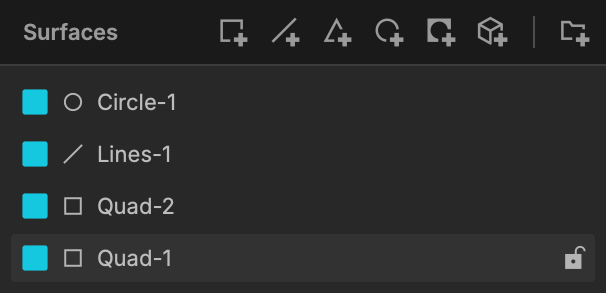
Video Surfaces
Basics
Video Surfaces allow you to create virtual surfaces for your real world structure.
The different types of shapes, their flexibility of use and their parameters will allow you to handle your simplest or most complex projects with ease.
Location
Access the Video Surfaces by clicking on Video (manage Video Surfaces) at the top left of the interface:

New Surface
Simply click on the Surface of your choice to add one:

Surfaces List
Added Surfaces (and groups) will be listed on the left in the Surfaces List: (includes Quads, Lines, Triangles, Circles, Masks, 3D Surfaces, and the Group Icon)
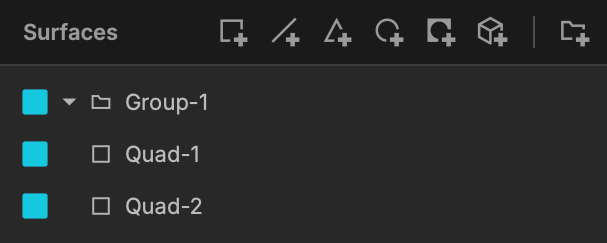
Other options are :
- Display / Un-display a surface.
- Lock / Unlock a surface.
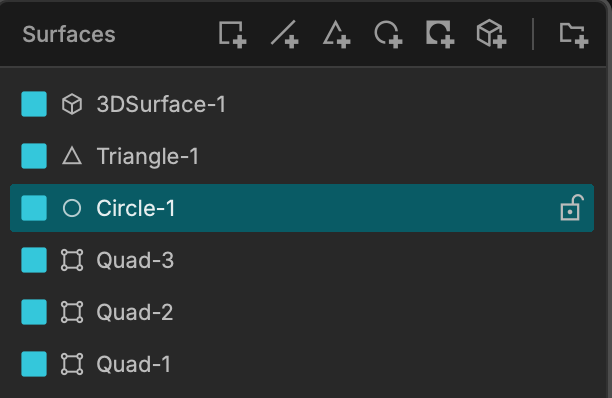
The highlighted surface is also the one that is selected !
Create Groups
You can create a group with as many surfaces as you want by clicking on the Groups icon at top right of the Surfaces list: