Video Wall Setup
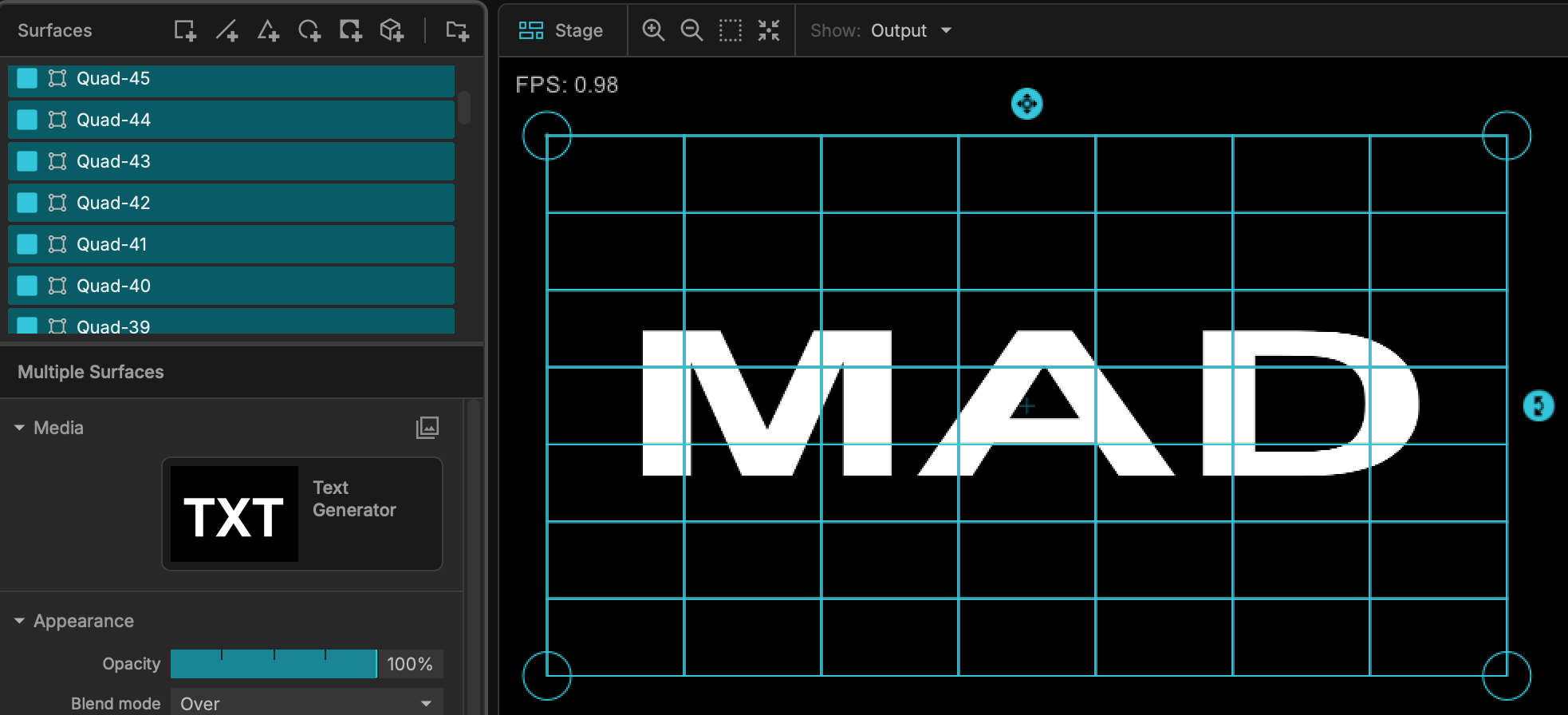
When working with massive LED walls powered by external processors (like Novastar) or configuring high-density pixel matrices, building the grid piece-by-piece is inefficient. MadMapper features an automated Video Wall template setup tool designed specifically to streamline this process.
Accessing the Tool
To begin your configuration, navigate to the top menu and select: File > New Project > From Template > Video Wall Template.
Configuration Parameters
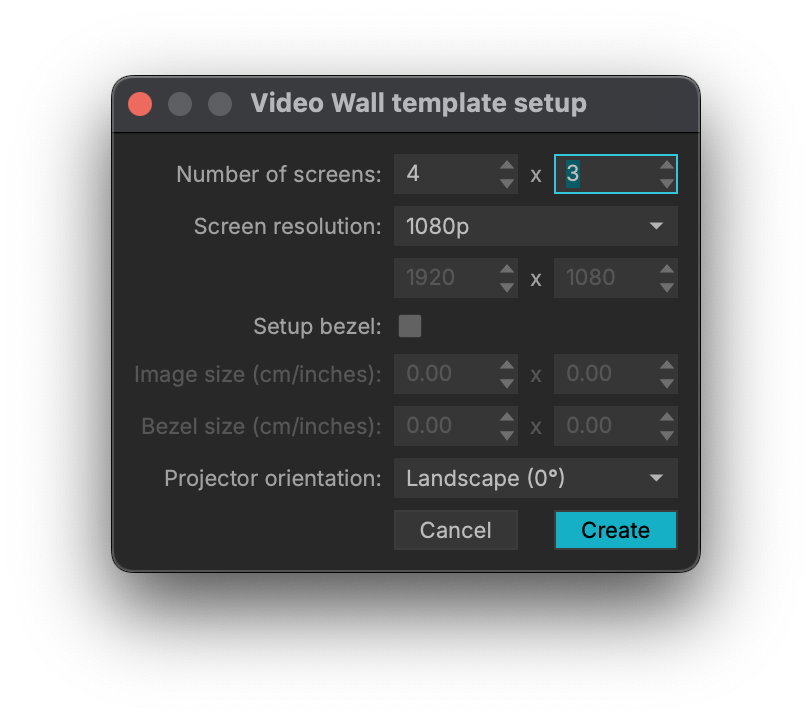
Once the setup window appears, define your wall using the following settings:
-
Number of screens: Define the grid layout by entering the horizontal and vertical screen count.
-
Screen resolution: Select a standard resolution (e.g., 1080p) or define a custom pixel width and height.
-
Setup bezel: Enable this if you need to account for physical gaps between your panels, then specify the Image size and Bezel size in cm or inches.
-
Projector orientation: Choose the physical rotation of your screens (e.g., Landscape 0°) to ensure the video canvas aligns correctly.
Once configured, click Create. MadMapper will instantly generate a perfectly aligned, scaled grid of video quads or DMX fixtures, guaranteeing your virtual canvas matches your physical LED panels flawlessly while saving hours of manual configuration.