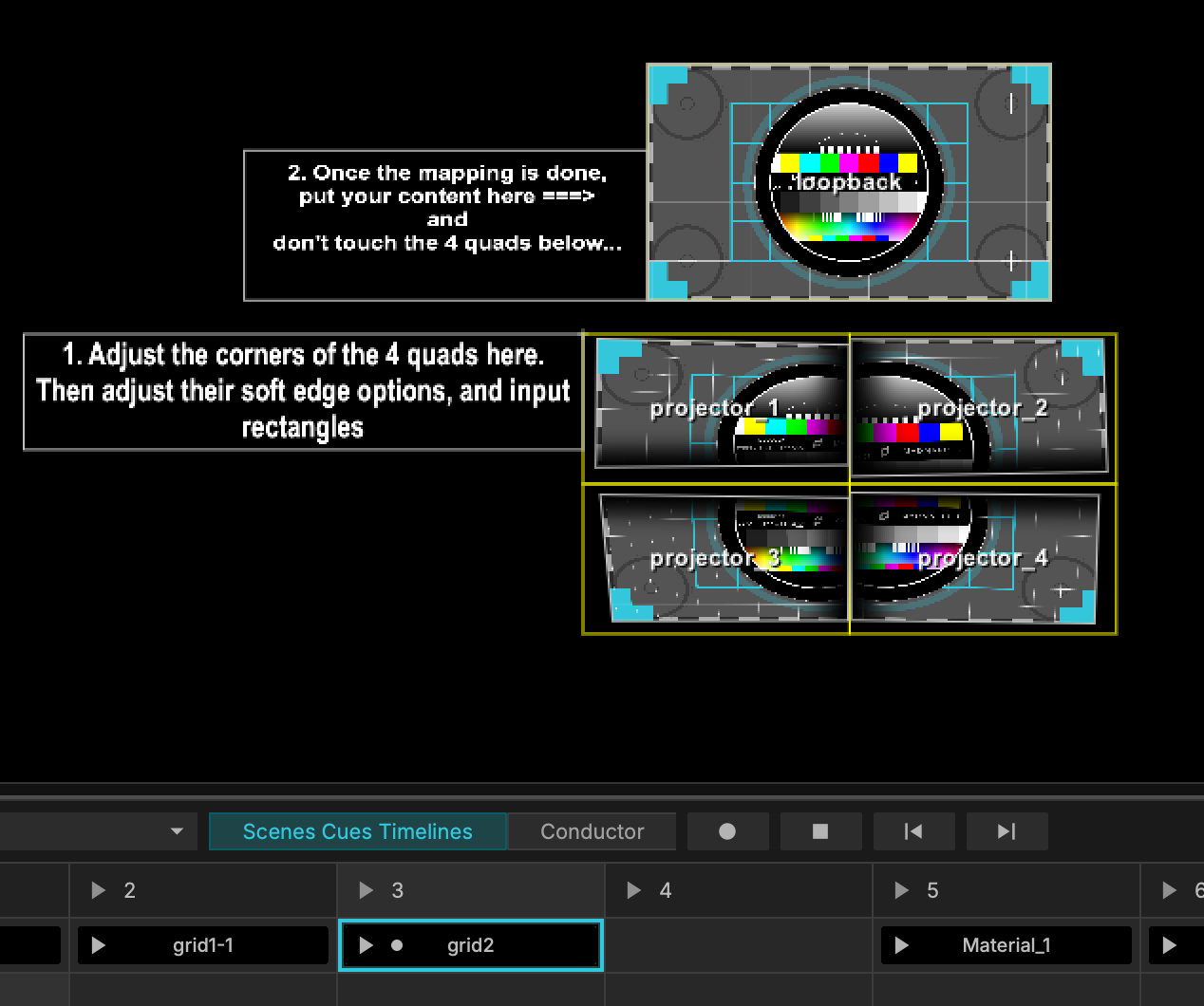
In MadMapper, you can use internal loopbacks to build an advanced visual pipeline for more complex setups. This approach is especially useful when you want to reuse rendered output, chain multiple processing stages, or create layered cueing systems for live playback.
The process of creating loopbacks is relatively straightforward, but the techniques below can help streamline your projects and simplify more advanced cueing and timeline-based workflows.
Suggested examples to follow
-
Building a multi-stage projection mapping chain.
- Video mixing between different sources (Live Input, Cameras, Multimedia, Generators).
-
Reusing one mapped surface as the source for another.
-
Creating recursive or feedback-style visuals.
-
Organizing a cue-based playback system with layered outputs.
-
Adding processing steps between content playback and final output.
Why use loopbacks
Loopbacks are most useful when a simple source-to-output path is not enough. They let you treat MadMapper more like a modular pipeline, where each stage can be processed, remapped, or repurposed before reaching the final display.
Video Loopback Template Example:
Let's say you are distributing a single video between four projectors. You could have the output mapping for each projector pull directly from a single video source, but if you change the source media to something with a different aspect ratio or using the same layers, you might see the clip jump from one source to another, or part of the image may be off screen. By using an intermediary source layer (loopback) to send to your projectors, you can blend multiple videos or sources and publish them to the same output. Add fades, and layer changes to the video buffer layer, all while locking to make sure that your output Mapping to the four projectors remains unchanged.
Here are the steps below to create this pipeline example.
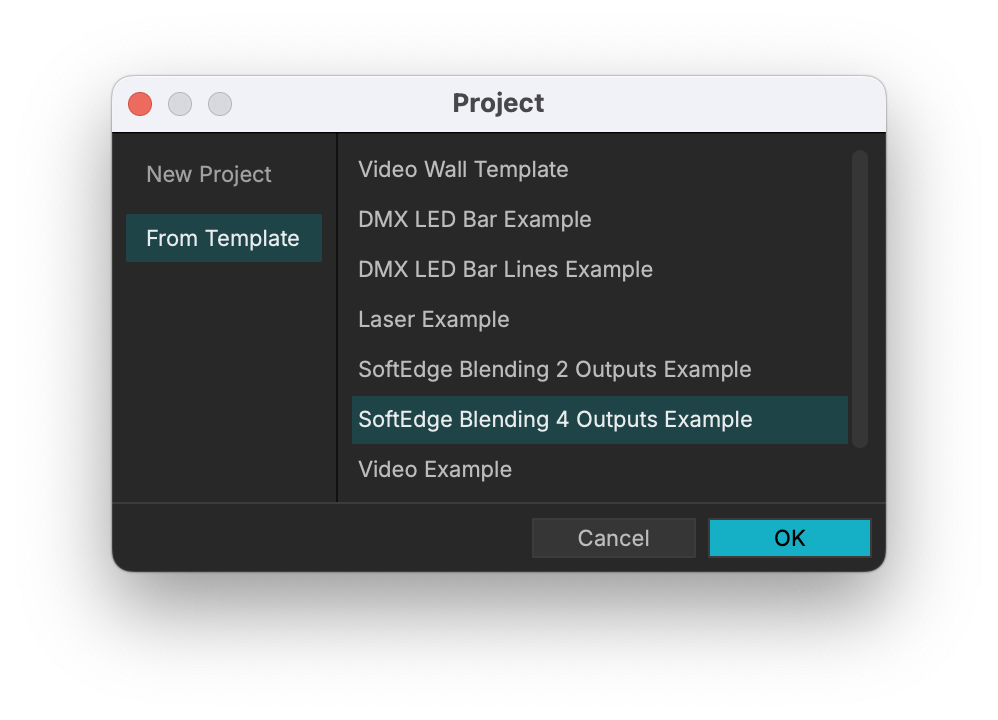
Start by creating a new project and select From Template > SoftEdge Blending 4 Outputs Example.
From here, you can see an example of a loopback being used to split a single source image and split to four different outputs (projectors).
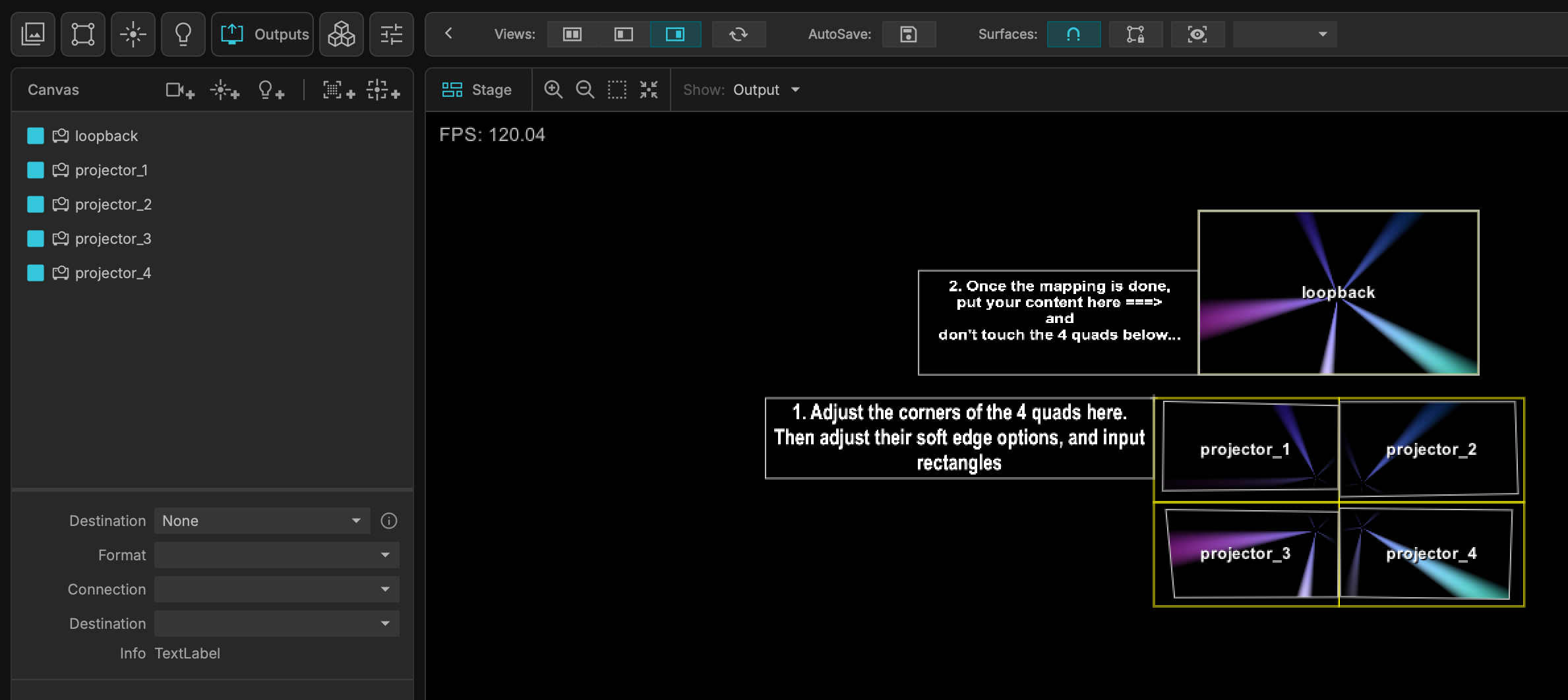
If I trigger a different cue, the media is changing, but the projector input & output mapping remains the same.