Master Settings
Basics
Quickly access general settings and much more in the Master Settings tab.
Location
Access the Master Settings by clicking on Master (manage Master Settings) at the top left of the interface:

Master Settings Categories
Output
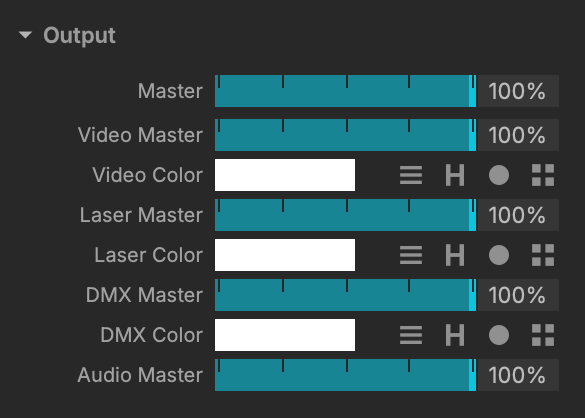
Change the Output opacity with various controls.
Equalizer
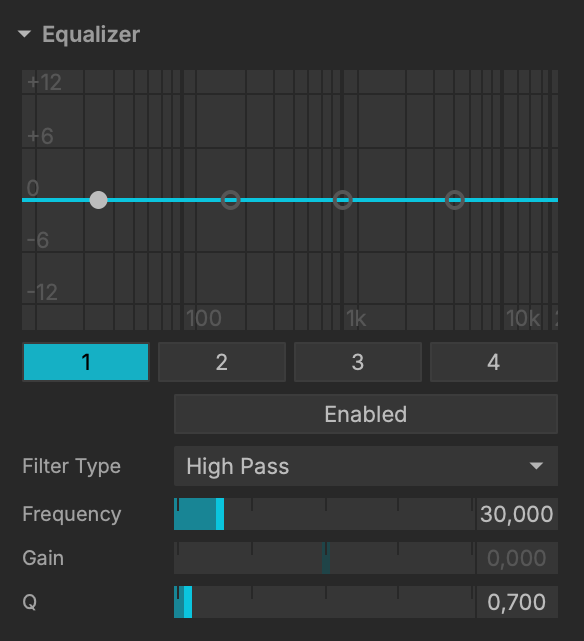
Since MadMapper 6, Enable / Disable these EQ precise controls.
Input
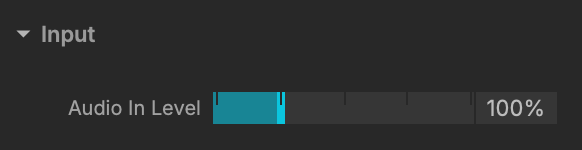
Control audio input level.
Speed
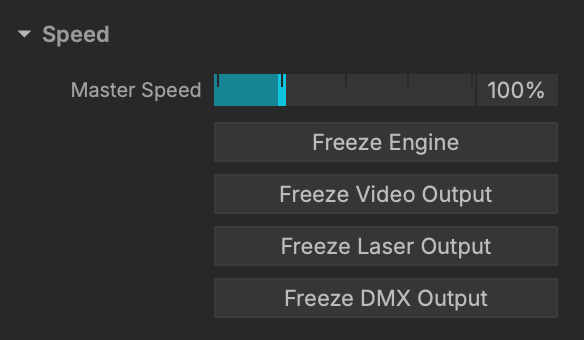
Apart from the Master Speed control, this section allow you to Freeze Engine in order to stop the activity, except if an Ableton Link / BPM is in progress.
The Master Speed value is then set to 0.
Playing with this setting with the Master Speed value will also affect the Audio.
Global BPM
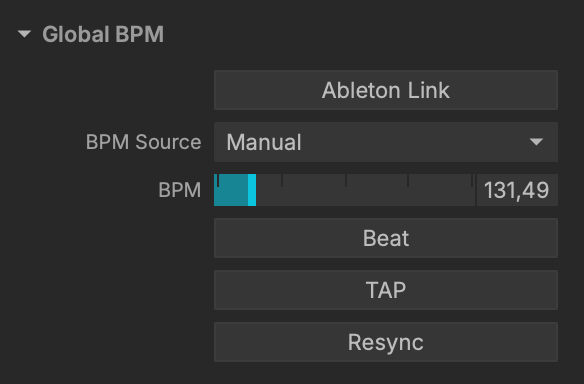
A classic setting for your performances.
Video Cursor
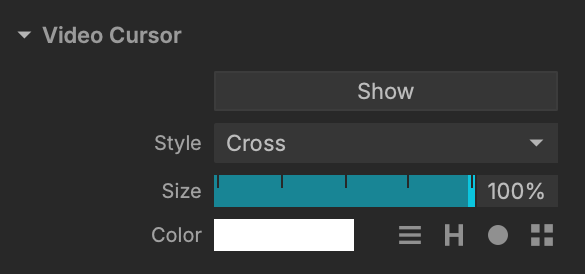
Manage your video cursor with precise controls.
Laser Cursor
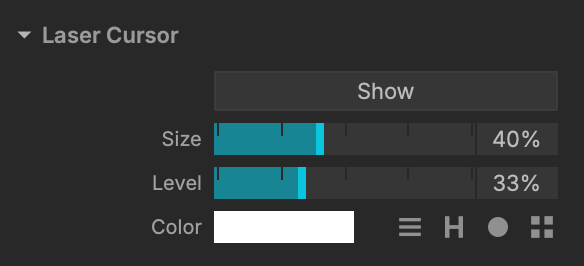
Manage your laser cursor with precise controls.
Color Palette
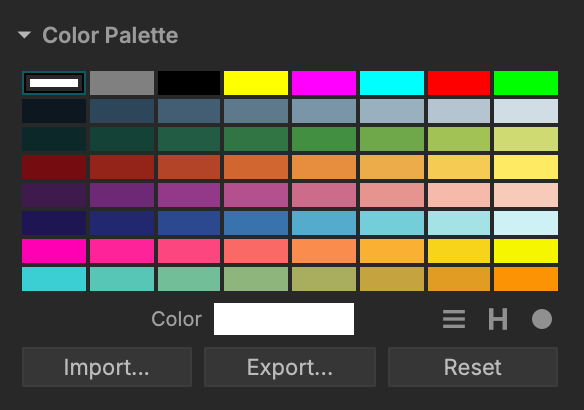
Tweak your project's colors and even use your own color palette.
Additional Settings
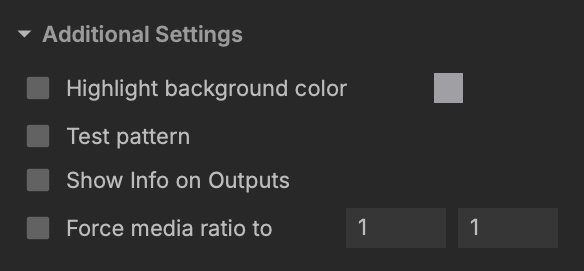
A few more settings such as Force media allowing to define the same ratio for your media.