Media Bin
Basics
The Media Pool is your central media hub organized into two sections: the Media Bin and the Media Inspector.
Location
Access your Media Pool by clicking on Media (manage Media) at the top left of the interface:

Add Media
From any Media category, you can click the "+" button to add new media:

Media Pool Mechanics
- The view icons at the top of the Media Pool allows you to display your media in a list or grid with different sizes:

- Click on the little arrow to fold/unfold each category:

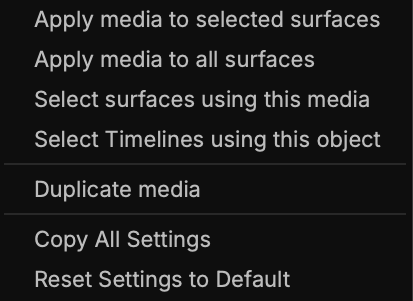
- Or access information/options by right-clicking on any media item:
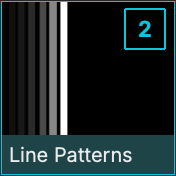
- At the top right of each media thumbnail, a marker shows you how many Surfaces are using the media:
Media Bin
The Media Bin displays every available media, sorted into type categories.
Generators
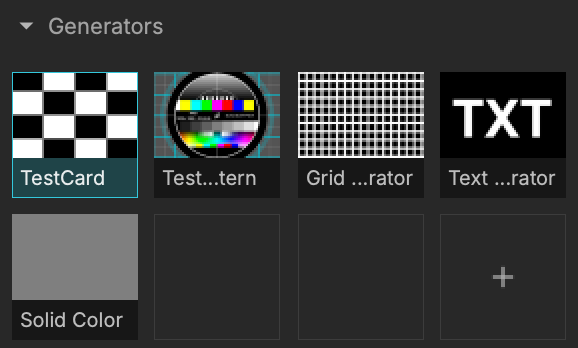
The generators are built-in and are initially intended for testing and calibration.
They are rendered at a specified pixel size in a texture.
Materials
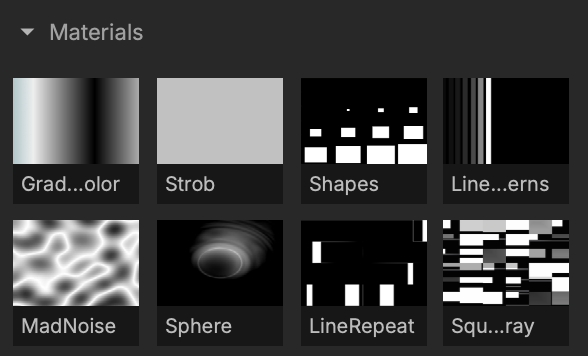
Materials are generative shaders, rendered directly on the output destination (projector or preview windows).
Unlike generators where only one rendering will be done regardless of their number in your surfaces, the materials are rendered separately on each of the surfaces where they are used.
The materials are allowing extra precision at high resolution, at the expense of rendering speed.
Laser Materials
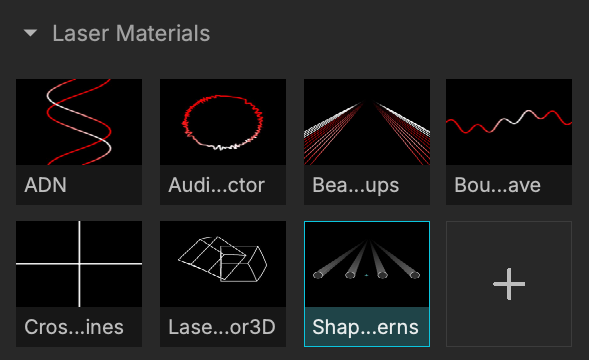
Laser materials are Generative shader-based materials (GLSL) just like regular materials, but for Laser mapping.
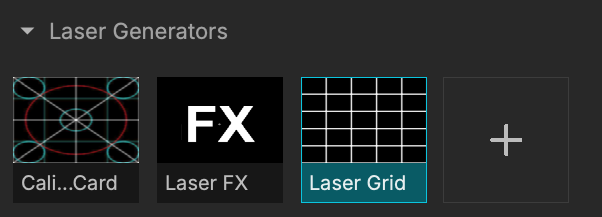
Laser Generators
Like Laser Materials, Laser Generators are the laser version designed for Laser mapping of regular generators.
ISFs
Interactive Shader Format files are GLSL fragment shaders, just like the materials.
Quartz Composer
Quartz Composer files come from the node-based visual programming language.
Images
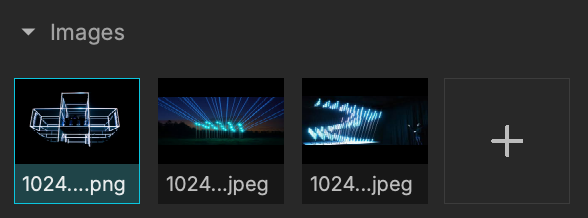
Gathers all types of supported images.
Movies
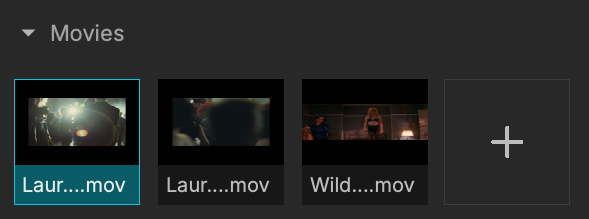
All your imported video files.
Playback performance may vary depending on codec/resolution.
Images Folders
Add image folders.
Syphon/Spout /NDI

Texture data that can be shared between applications using different protocols such as Syphon (Mac), Spout (Win), NDI (Mac/Win).
The data source is live, continuous, e.g. displaying your work done in parallel in Modul8.
Live Input
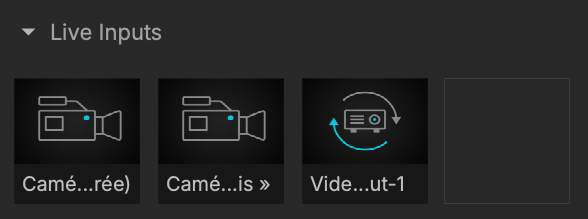
Live feeds that can be streamed into MadMapper, such as webcams or BlackMagic capture cards.
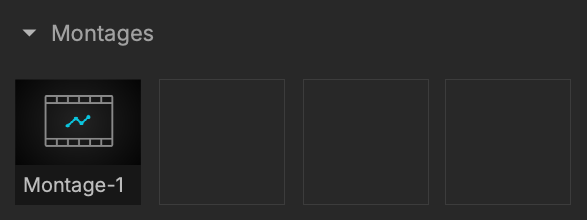
Montages

The Montages category displays your Timeline montages.
Media Inspector
The Media Inspector, located below the Media bin, allows you to access a wealth of information, settings and parameters, always for the media selected in the library.
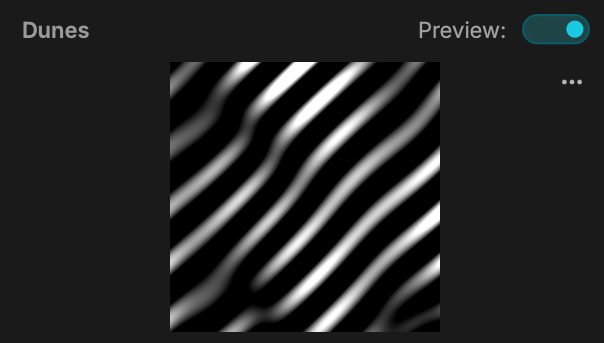
Preview
The Media Inspector will display for all media a preview (which can be disabled) and options to update the thumbnail of the selected media when a visual is running (update instance in the thumbnail list):
Infos
The Media Inspector then displays various media’s informations:
Settings and Parameters
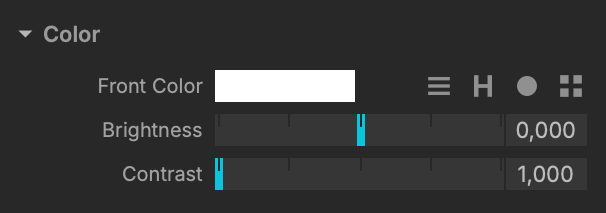
One of the MadMapper's key features: from the Media Inspector, you can edit numerous settings and parameters for each of your media.
Here's an exemple of the Dunes shader color settings: