Mad AI Extension
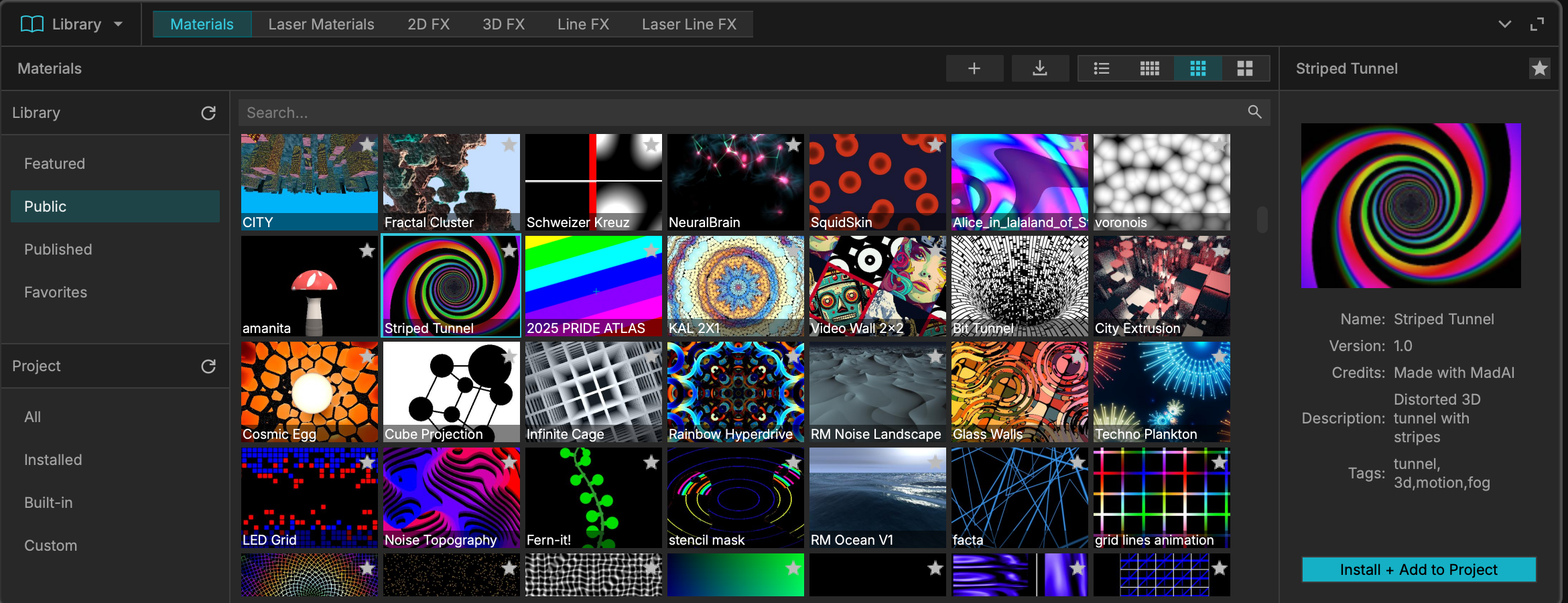
Mad AI is an integrated, AI-powered content generation tool that allows you to create custom, real-time generative materials (GLSL shaders) purely through text prompts, with no coding knowledge required.
-
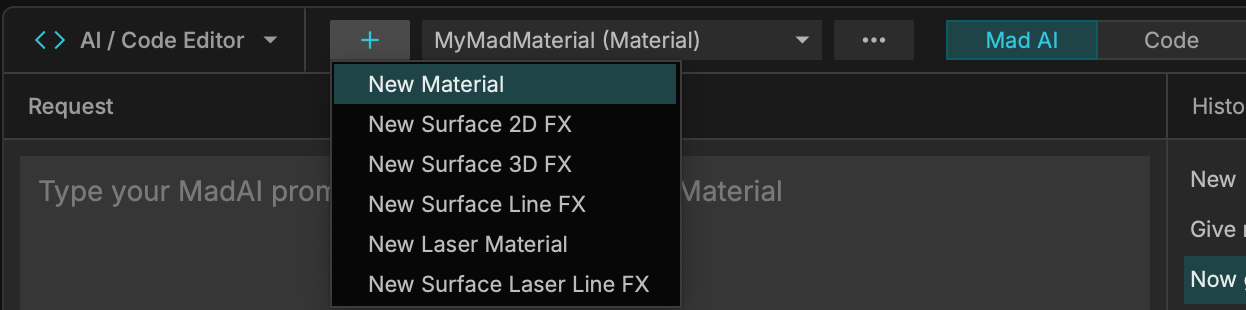
Accessing Mad AI: Navigate to the AI / Code Editor, click the + (Plus) button to create a new material. Check the box for "Using MadAI" to open the AI prompt interface.
-
Parametric Controls: Mad AI does not just generate a static video; it generates dynamic math. The AI automatically builds custom user interface sliders for the parameters you request.
-
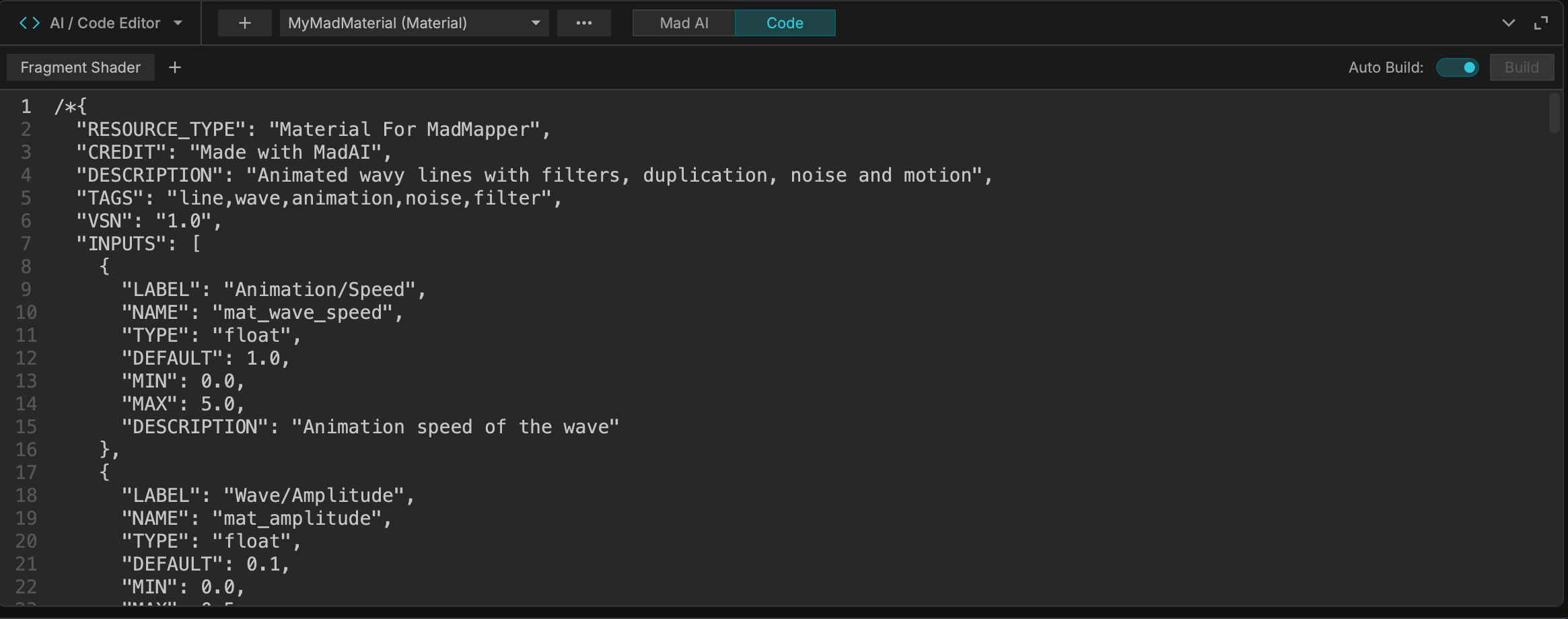
Code Integration: At any time, you can toggle from the AI interface directly to the raw Code Editor. This is an excellent way to learn GLSL coding or manually tweak the math generated by the AI.
-
Credit System: Processing is handled securely via MadMapper's servers. Every prompt sent to the server consumes one credit from your MadMapper user account.

Prompting Best Practices & Cheat Sheet
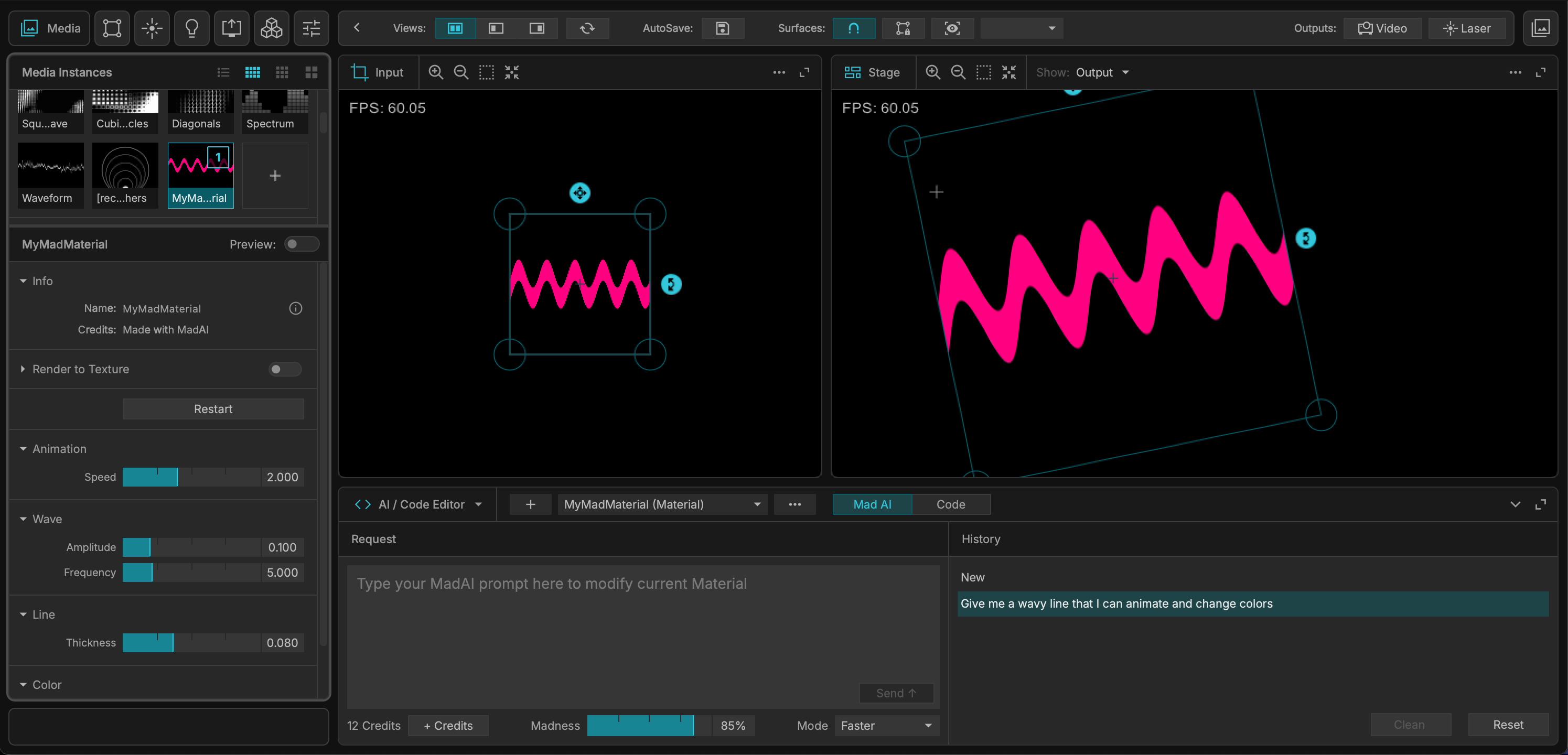
To get the best results from Mad AI, you should make short iterative prompts as opposed to one big descriptive prompt. For example:
-
First, prompt the system to create a sphere in 3d with lighting.
-
Second, add a prompt to add camera angle controls.
-
Finally, add a prompt to add depth fog.
When building your prompts, utilizing specific terminology yields the best generative results. Use the following vocabulary reference:
-
Basic Shapes: sphere, cube, pyramid, platonic solid, torus, capsule, cylinder, plane.
-
Rendering Styles: 3d, raymarching, sdf, ambient occlusion, lighting, shading.
-
Lighting & Details (Specular): diffuse lighting, soft shadow, hard shadow, fresnel, bloom, glow, outline, curvature, normal displacement, deformation, greeble, repeat in X Y Z axis, pMod, depth fog.
-
Noises: fBm, vnoise, voronoi, flowNoise.
-
Camera Controls: camera angle, camera orbit, FOV.
-
Animation Behaviors: breathe, wobble, flicker, bounce, rotozoom, sine warp.
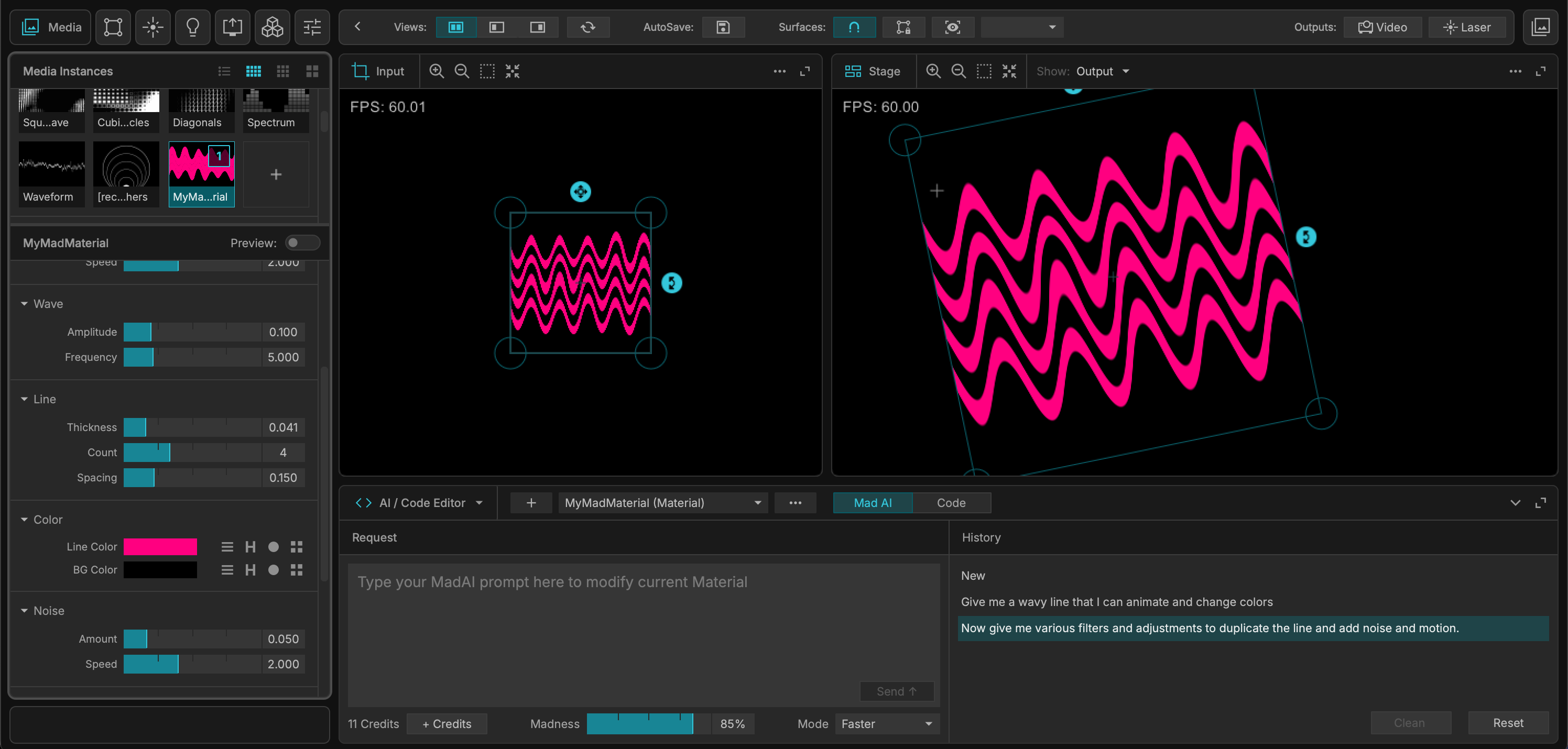
When you material is ready, you can rename it, tweak it, and share it with the world. See the Online Material Library documentation for more information.